Settings
Use Settings to change the app theme, choose manuscript typography, adjust the writing surface, and manage project import and export.
Theme
Choose a light mode or dark mode theme.
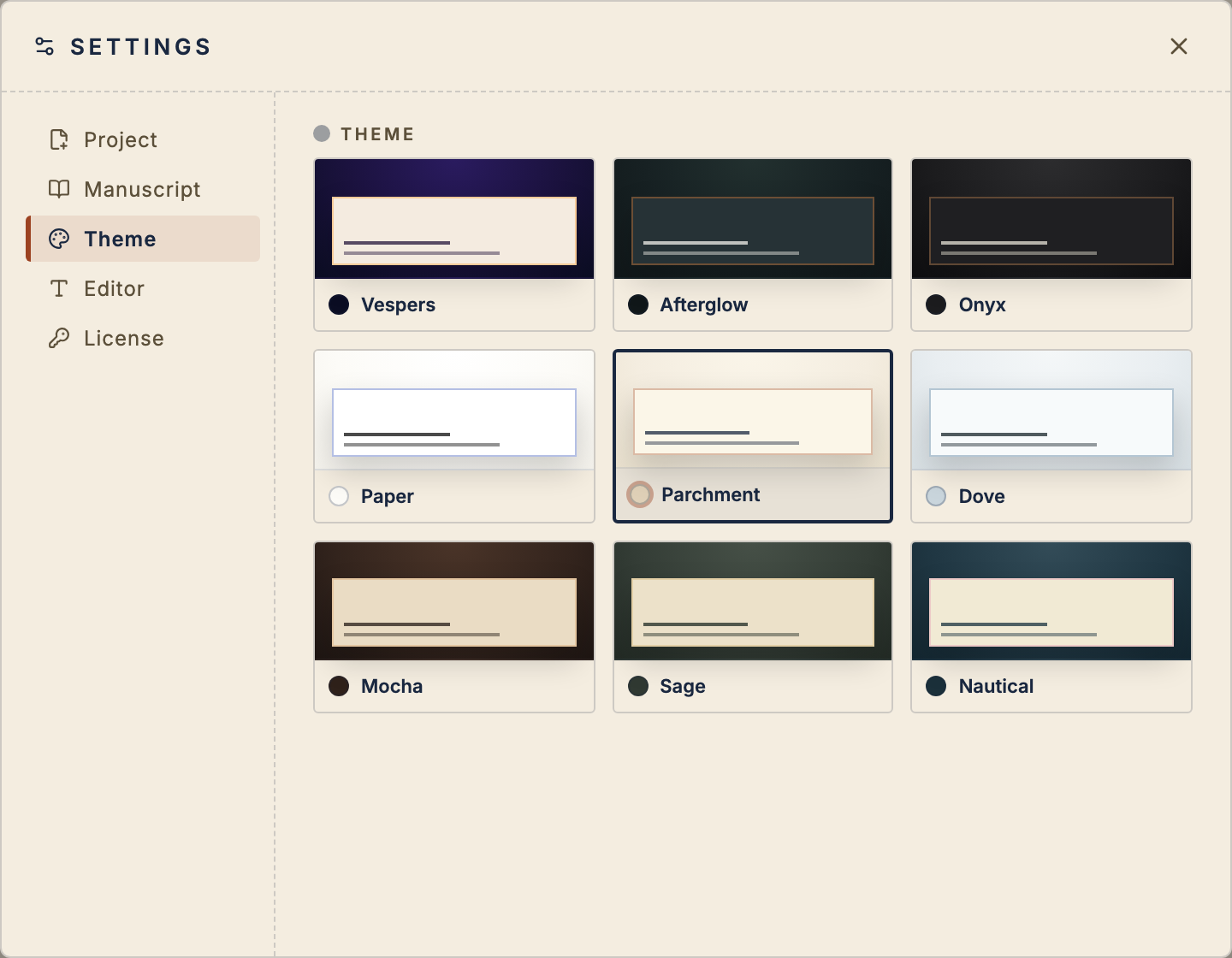
Theme changes apply across the app: Focus, Editor, Planner, Dashboard, and Settings.
Editor
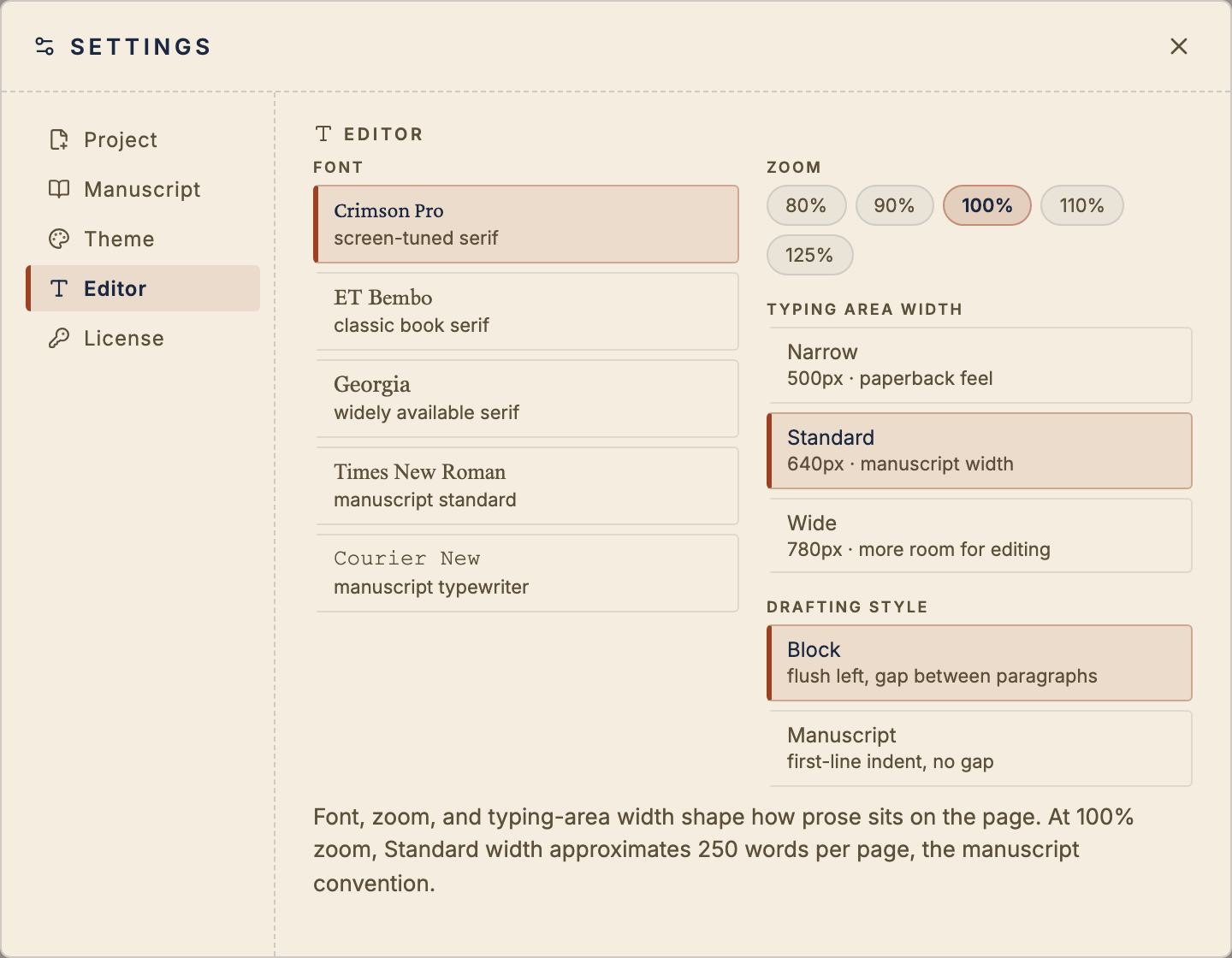
Choose the manuscript font, zoom level, typing-area width, and drafting style. Standard width at 100% approximates a manuscript page; Wide leaves more room for editing.
Project
Project settings keep import, export, and project-level actions in one place.
Export a manuscript-ready .docx, export the project as a readable
folder, or import a manuscript from Word or Google Docs.