Getting started
Vespers is a desktop writing app for novels. It gives you one place to set an intention, shape the book, write scenes, review progress, and export a manuscript.
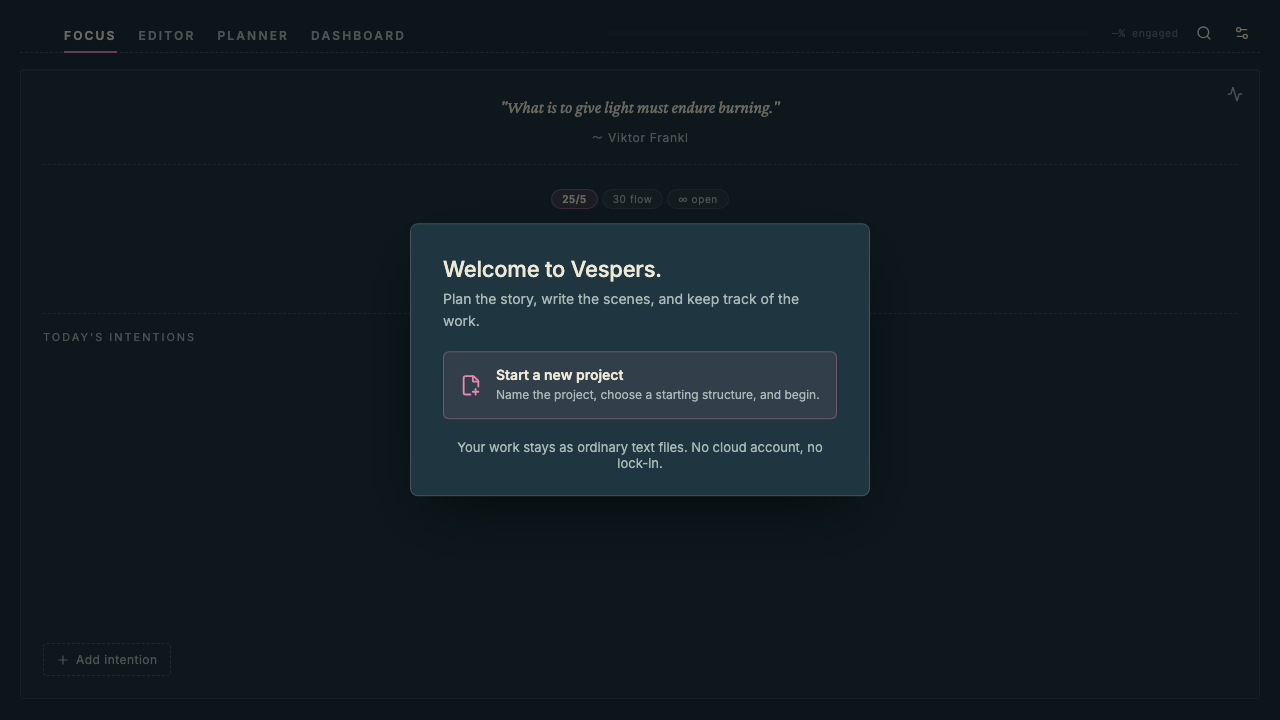
Your project stays on your Mac as ordinary text files. Vespers does not require a cloud account or subscription.
Start a Project
Open Vespers and choose Start a new project.
The project wizard has three short steps.
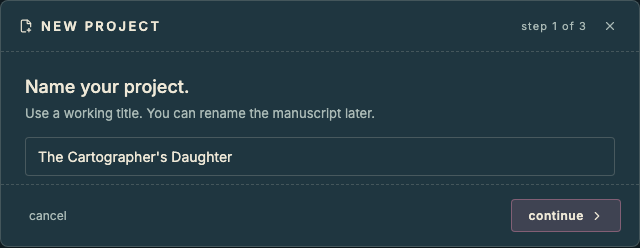
Give the project a working title. You can rename the manuscript later.
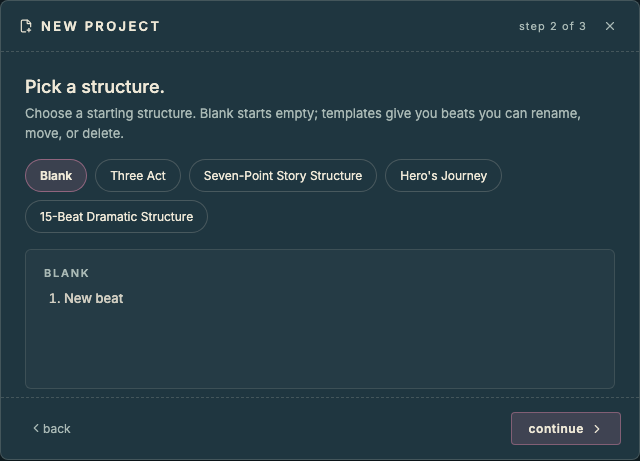
Choose a starting structure. Blank starts empty. The other templates give you beats you can rename, move, or delete.
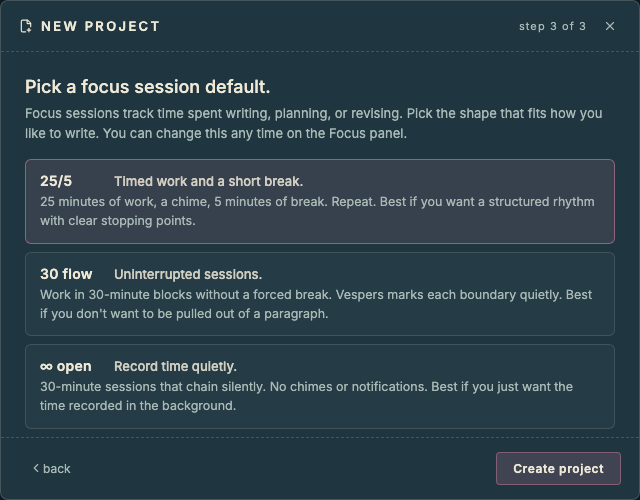
Choose a focus session default. This controls the first timer mode on the Focus panel. You can change it later.
Click Create project when you are ready.
Add Your First Scene
Open Planner.
Create or select a chapter, then add a scene. Give the scene a working title and a purpose. Purpose is a short note about why the scene belongs in the project.
The Planner can show columns such as Purpose, Setting, Conflict, Stakes, and Outcome. Use only the columns that help you think clearly.
Write the Scene
Open the scene in Editor.
Start typing. Vespers saves as you go.
Use comments, highlights, and strikethrough when you want to leave editorial marks for later.
Track a Session
Open Focus when you want to work with a clear intention.
Choose a session mode, add or select an intention, and begin. Vespers tracks active and idle time so the record reflects how the session actually went.
Focus sessions can be attached to scenes, compendium entries, documents, or freeform work.
Check Progress
Open Dashboard when you want to review the project.
Dashboard shows recent writing, manuscript progress, prose signals, open editorial marks, and long-term contribution patterns. Use it to decide what needs attention next, then return to the manuscript.
Export the Manuscript
Open Settings, then choose Project.
Export the manuscript as a Shunn-formatted .docx when you are ready to
share it. You can also export the project folder if you want a readable
copy of the scenes and compendium entries outside Vespers.