Planner
Use it to organize beats, chapters, and scenes, track scene purpose, and decide what needs work next.
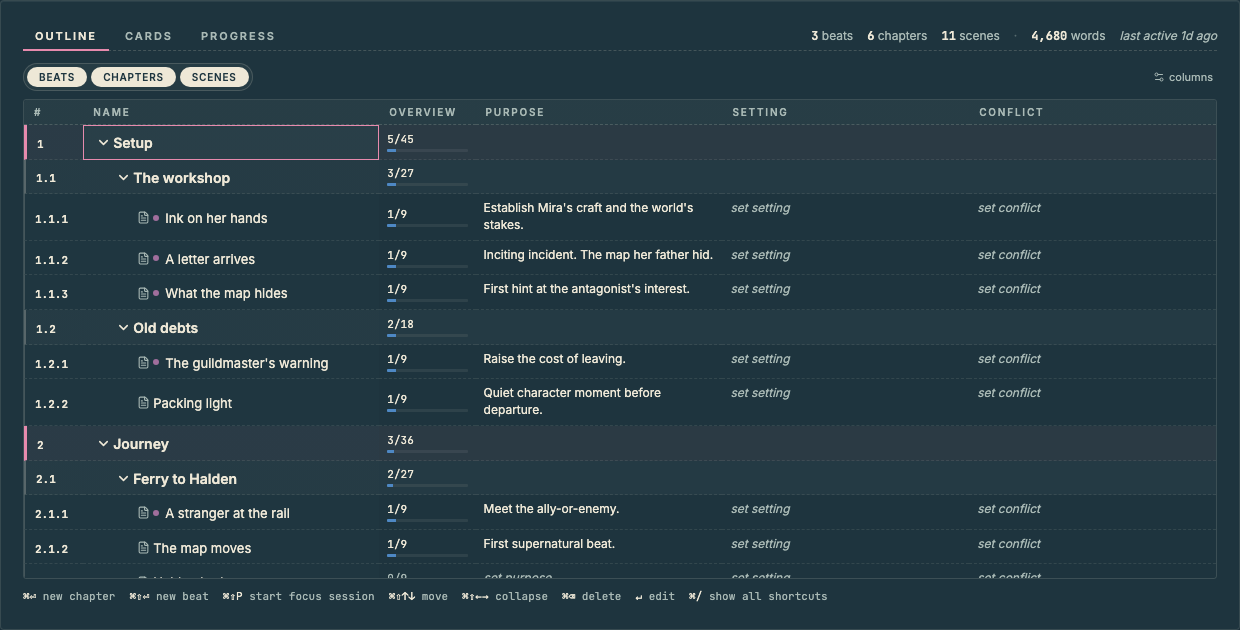
The Story Structure
- Beats are the largest story units.
- Beats contain Chapters.
- Chapters contain Scenes.
You can rename, move, create, and delete structure as the project changes.
Plan with the Outline Grid
The Outline grid is the detailed planning view.
Use columns to capture the information that helps you make decisions: Purpose, Setting, Conflict, Stakes, Outcome, or your own custom fields.
Set Your Columns
The default columns should help you understand why a scene exists and what pressure it carries.
Vespers starting columns are:
- Purpose
- Setting
- Conflict
Change the order, hide and show columns, or add your own.
Cards
Cards give the outline a two-dimensional view.
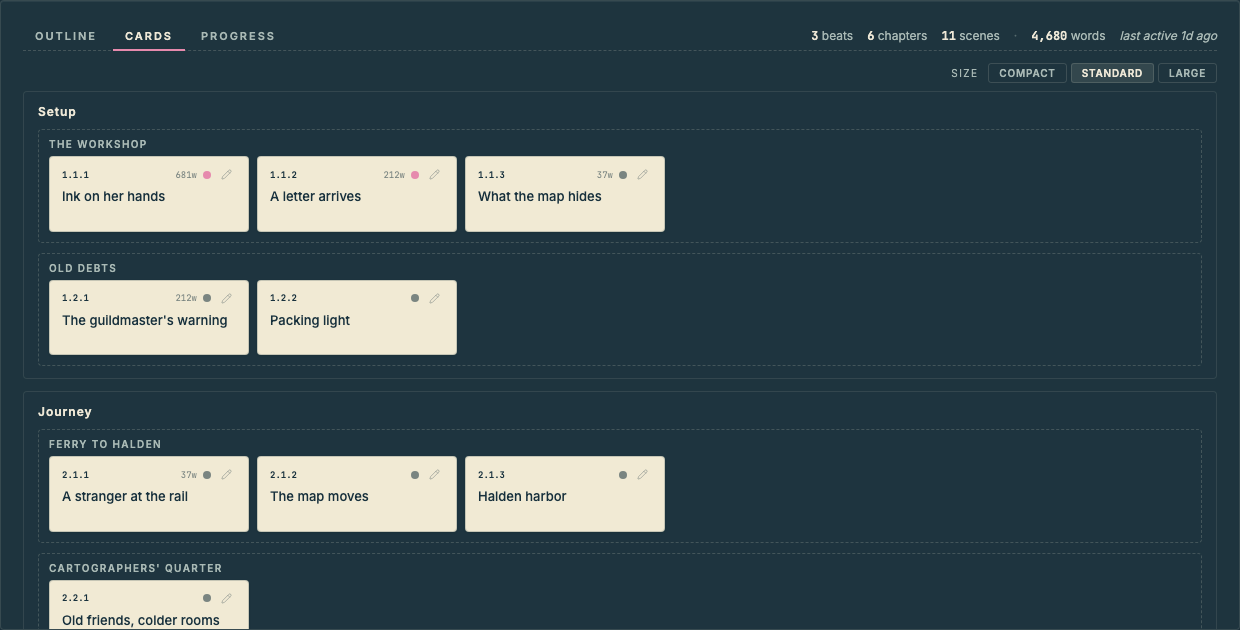
Review scenes as movable story pieces rather than rows in a grid.
Check Progress
Planner → Progress shows scene status, word counts, recent activity, sessions, and open marks.
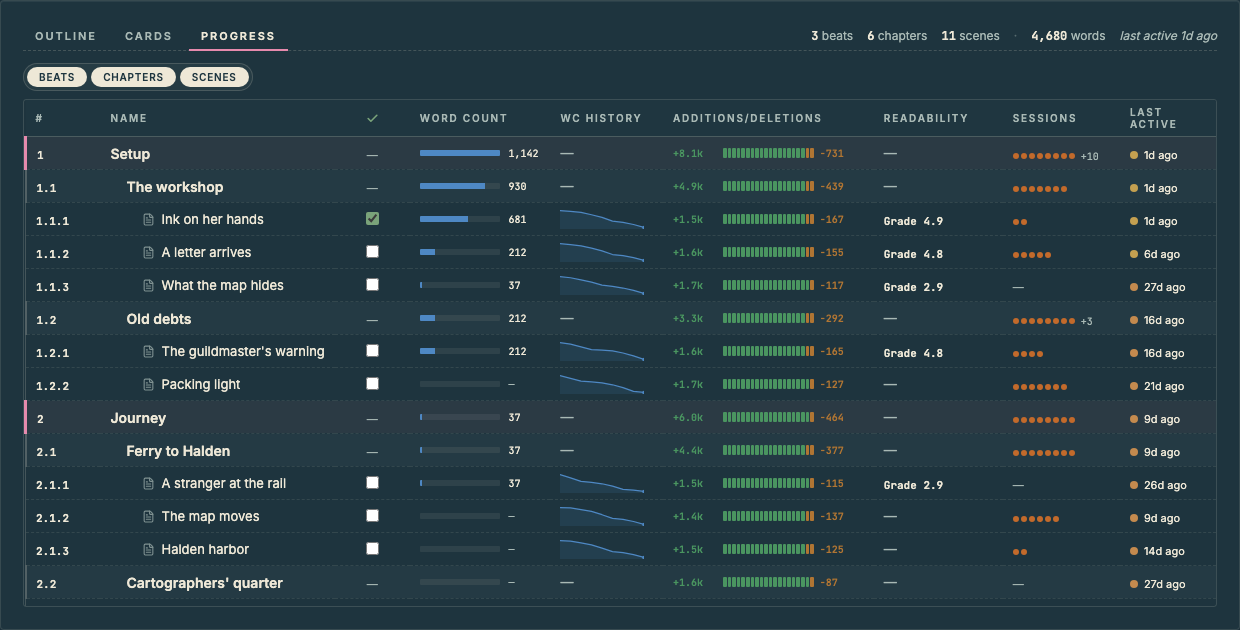
Planner → Progress is ideal for finding scenes needing attention. From there, open the scene or send it to Focus.
Send Work to Focus
Send a scene or outlining task to Focus when it should become today's intention.
Sent work appears in Focus as an intention.