Editor
Write and revise scenes, maintain compendium entries, search across the project, and review the assembled manuscript.
Write Scenes
Open a scene from the Editor sidebar.
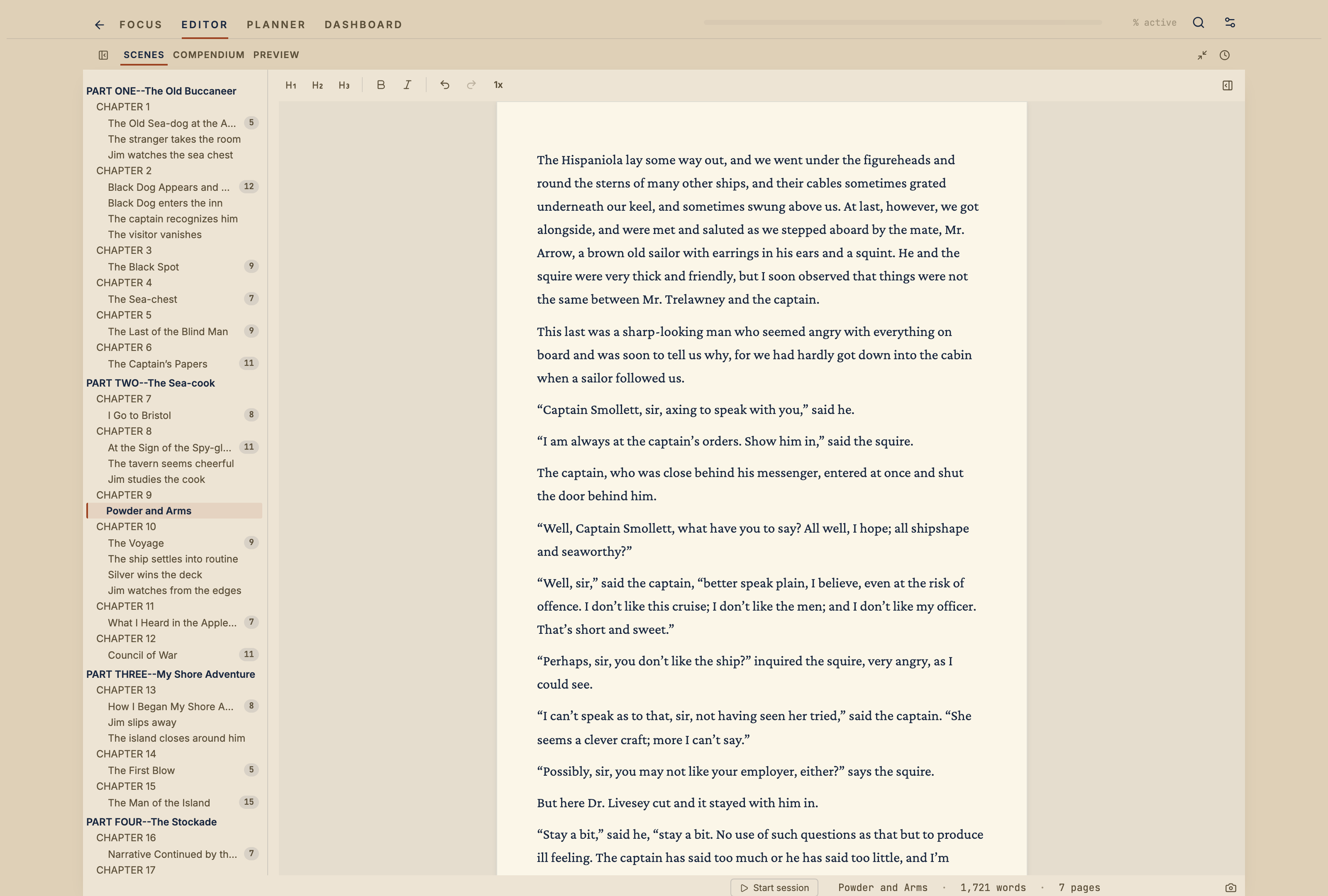
You can also open scenes from Planner, project search, or Quick Open
with ⌘P.
Start typing. Vespers saves changes automatically.
Use the toolbar for common formatting and editorial marks. Keyboard shortcuts are available for these actions as well.
Editorial Marks
Editorial marks are comments, highlights, and strikethrough left during review. Selecting text brings up the toolbar.
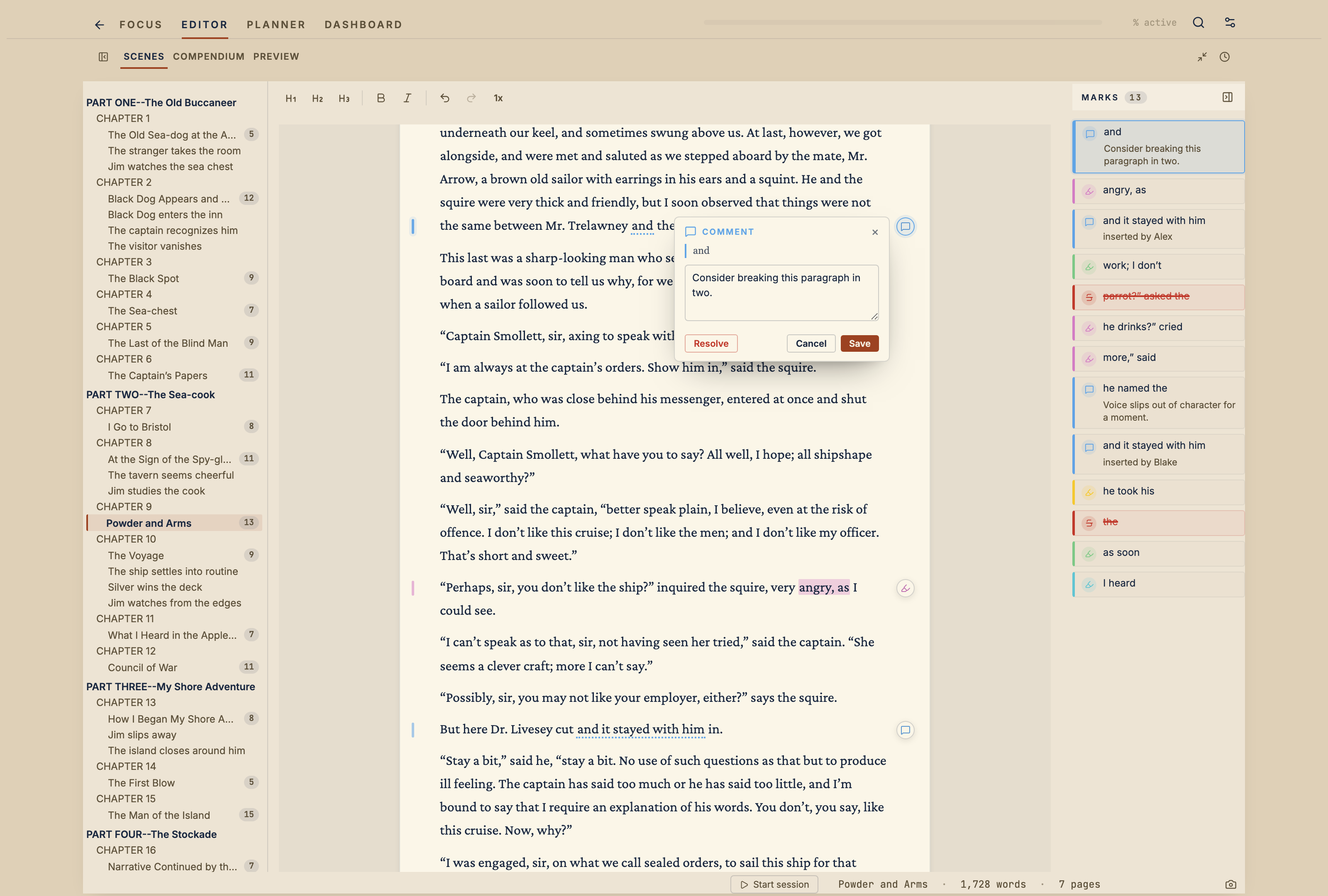
Vespers keeps track of marks in Editor and in Planner → Progress.
Compendium
The compendium holds project material that is not manuscript prose.
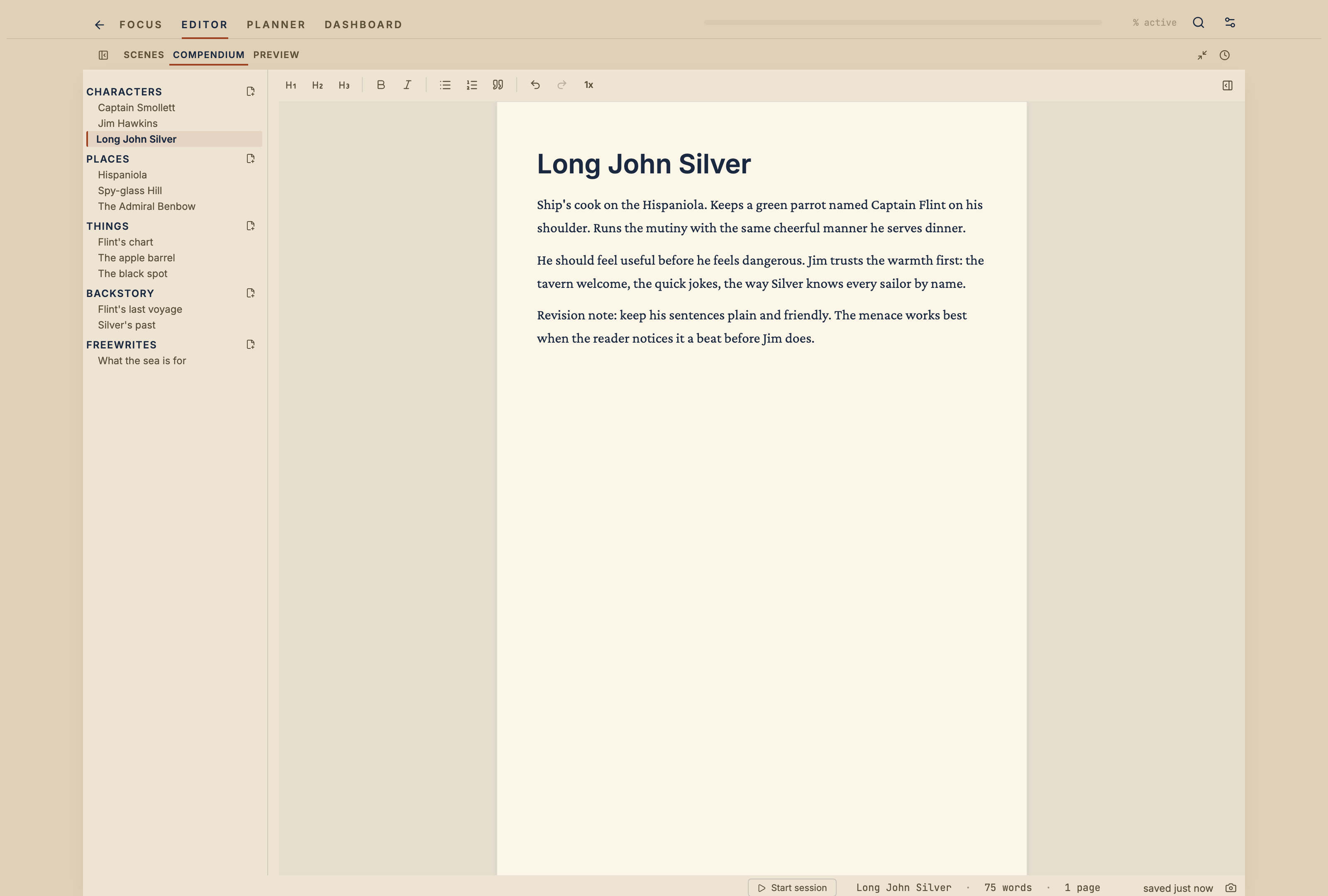
Use it for characters, places, research notes, world-building, or any other supporting material.
Search in the Project
Open project search from the Editor sidebar or the keyboard shortcut.
Search can find text across scenes, compendium entries, and documents.
Manuscript
Switch from Write to Manuscript inside the Editor tab.
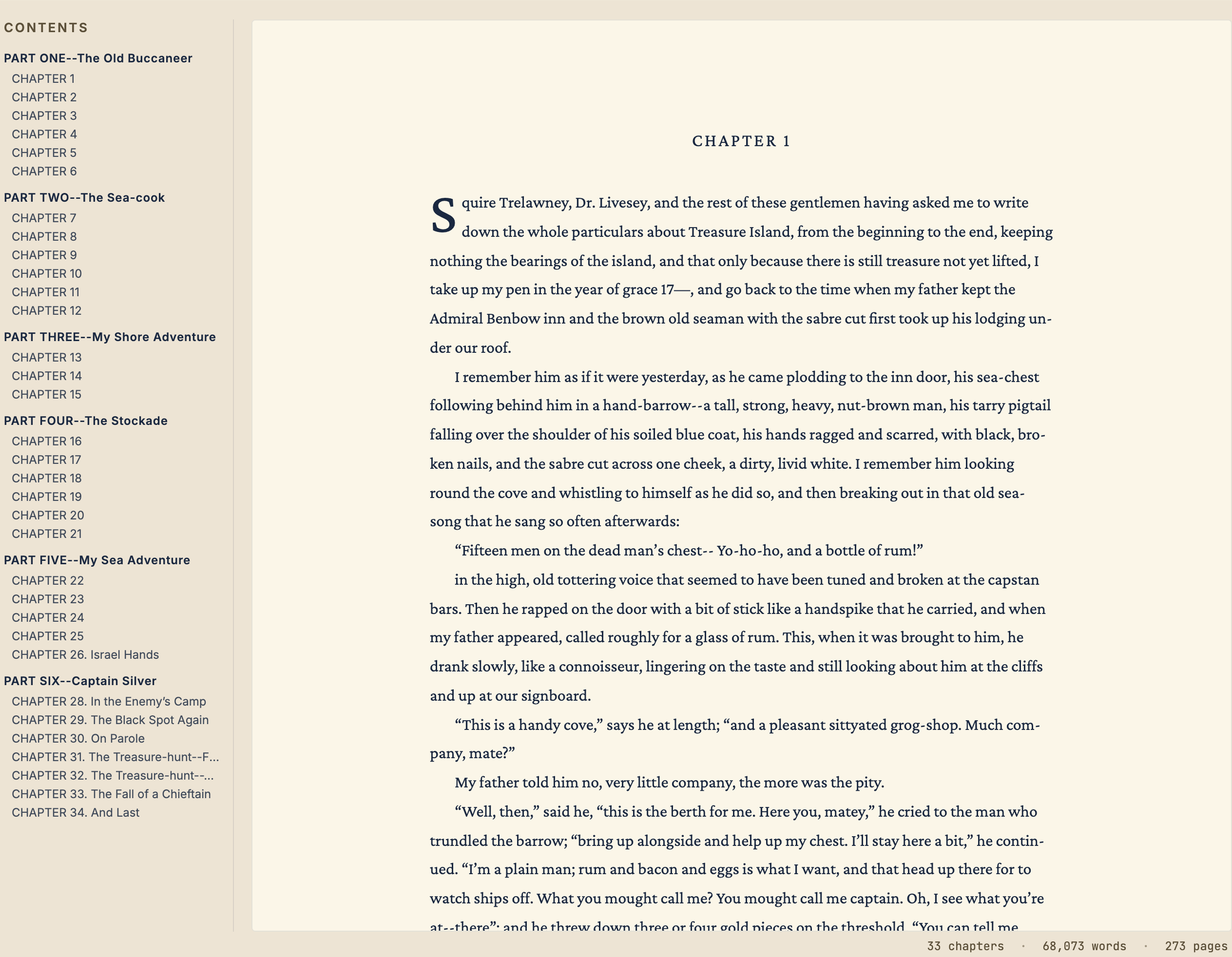
Manuscript shows the assembled draft with chapters and scenes in order.
Distraction Free Mode
Distraction Free mode hides the sidebars and extra controls so you can write with fewer distractions.